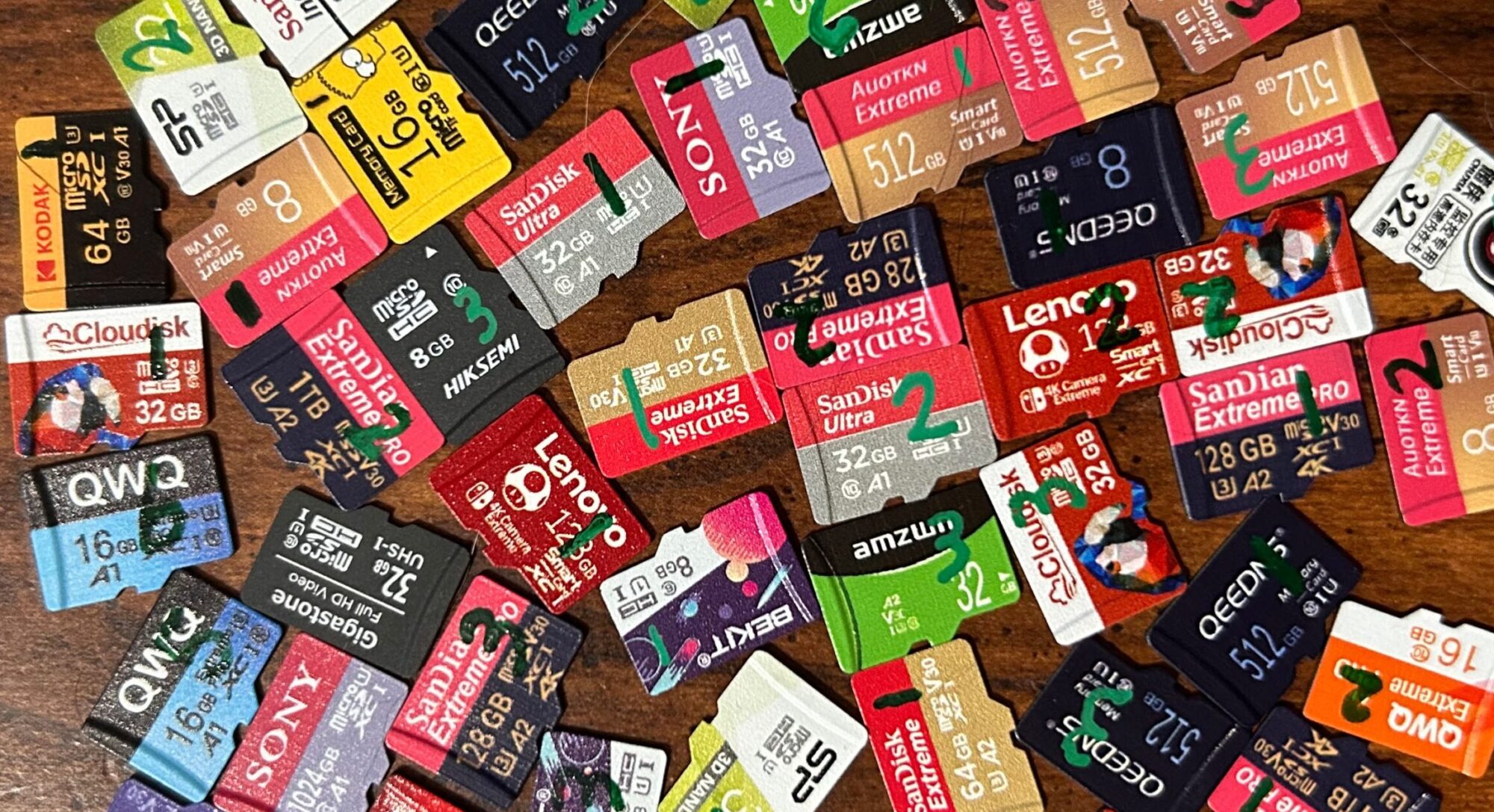
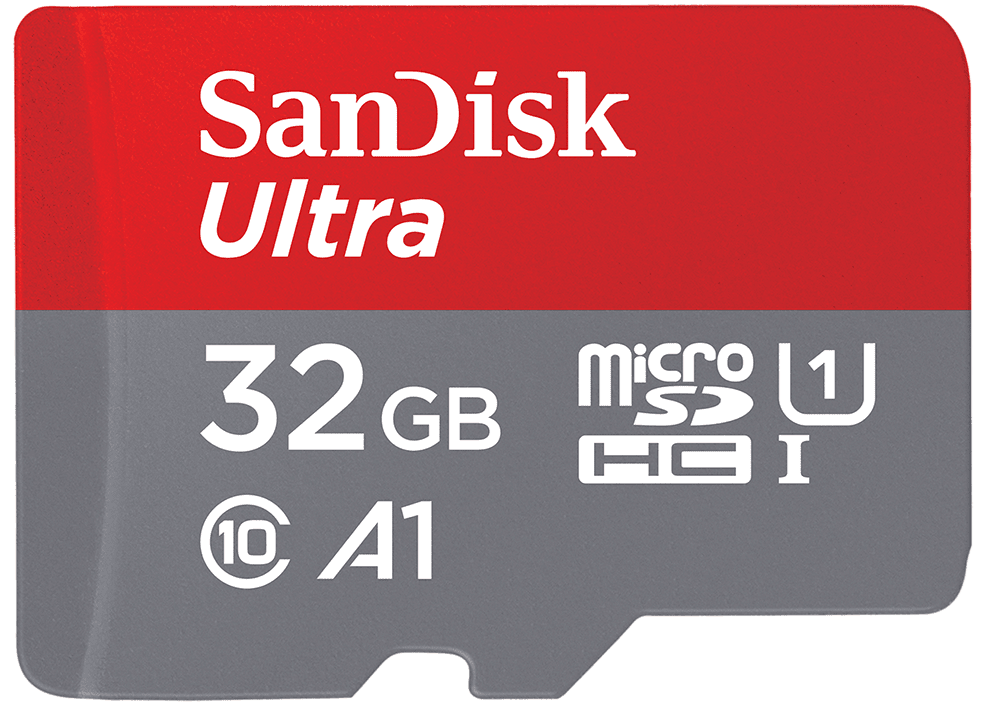
SanDisk is a well-known name in the flash memory industry. Founded in 1988, they developed the first flash-based SSD. They were later acquired by Western Digital in 2016, before being spun off as a public company in early 2025.
SanDisk is a name I’ve long been aware of, and one that — prior to this project — I was biased in favor of. I have a number of single-board computers that take microSD cards, and I typically defaulted to the SanDisk Ultra 16GB for their storage — and most of the time, had no issues with them. And since they’re such a major brand, I wanted to make sure they were properly represented in this project.
These cards met all of the criteria that I set out for determining what’s considered a name brand card, so their results will be included in the name brand bucket in my results.
On the performance testing front: results were kinda all over the place. Random read speeds were definitely this card’s strong suit, but even those were inconsistent. Here’s how things shook out:
- Sequential read: Sample #2 got a score that was a little higher than the others, coming in at the 81st percentile (as of the time of this writing). The other two samples came in at the 36th and 45th percentiles. I’ll note that the spread here (the difference between the worst-scoring sample and the best-scoring sample) is only about 8.5MB/sec — less than one quarter of a standard deviation apart — but so many cards scored close to 90MB/sec that it doesn’t take much to go from the 45th percentile to the 81st percentile.
- Sequential write: Sample #3 performed significantly better than the others, coming in at the 54th percentile. The other two samples scored in the bottom third of all cards I’ve tested so far.
- Random read: Sample #3 performed significantly worse than the others, coming in at the (still-respectable) 69th percentile (nice). The other two samples scored in the top 3% of all cards I’ve tested so far.
- Random write: There was kind of an uneven spread here, with sample #2 scoring worse than the other two samples. Sample #2 scored in the 50th percentile, while the other two samples scored in the 55th and 63rd percentiles.
These cards bear the Class 10, U1, and A1 marks. Performance was good enough for the Class 10 and U1 marks, but not enough for the A1 mark. However, I’ll throw in my standard disclaimer here: my performance testing methods do not align with those prescribed by the SD Physical Layer Specification. It’s possible that they would have done better had they been tested under proper conditions.
This is another UHS-I card that advertises speeds higher than what should be possible under the UHS-I standard: the package advertises (in Chinese) “speeds up to 120MB/second”. To give this card a fair chance, I tested one of them using one of the SanDisk MobileMate readers, but it didn’t seem to perform significantly better with this reader than it did with the Togconn or JJC readers.
On the endurance testing front:
- Sample #1’s first error was an address decoding error during round 1,906. It died during round 2,210, when I plugged a new card reader into the neighboring USB port. (EmbeddedTS once tested a number of SanDisk cards and noted that they had a tendency to die when exposed to a brownout — and I suspect that this is what happened here.) Up to that point, less than 0.1% of the card’s sectors had been flagged as “bad”.
- Sample #2’s first error was an address decoding error during round 1,584. It died during round 4,036, at the same time as sample #1 — when I plugged in a new card reader into the neighboring USB port. Up to that point, less than 0.1% of the card’s sectors had been flagged as “bad”.
- Sample #3’s first error was an interesting combination of errors that occurred during round 396. It resembled an address decoding error (where the data was shifted by one sector); however, the first four bytes of each sector were set to all
0x00‘s. This lasted for 7 sectors, followed by 2,048 contiguous sectors where the data was shifted by one sector. It continued working just fine for about another 2,800 read/write cycles, when it simply stopped responding to commands.
Overall?
- Skimp was above average.
- Sequential write speeds were below average; however, as a whole, performance was above average.
- Endurance was pretty well below average. (As of the time of this writing, the average number of read/write cycles spent below the 0.1% failure threshold is sitting at about 9,000 — and none of the three samples even made it close to that mark.)
So I think my verdict here is that these cards are just OK. They did well in skimp, OK in price and performance, but pretty well below average in endurance. There are better options out there, especially if endurance is important to you. In the 32GB category, the Kingston Canvas Select Plus 32GB is the top performer (as far as endurance is concerned) — it did worse in skimp, and about the same in price, but better in both performance and endurance.
November 9, 2025